Untrusted device isolation
Give a new camera or smart device just one connection - to the person or system that controls it - instead of open access to your network.
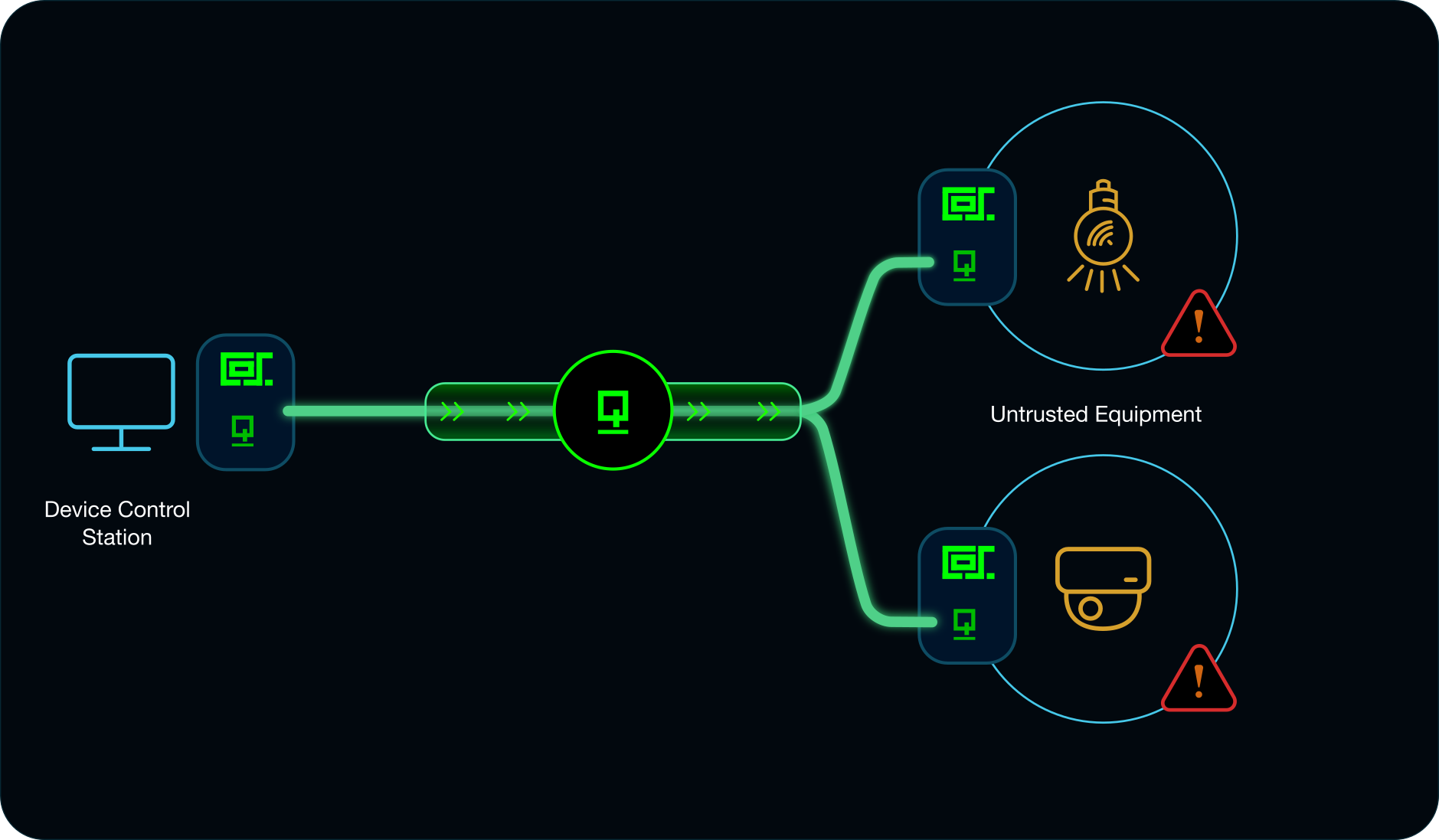
A new security camera often does more than record video to your NVR. Many have their own web server and their own connection to the manufacturer’s cloud with no guarantee that your data stored there is safe. Put it on your normal network and it gets the same access as everything else there, which is more trust than an unknown device deserves.
QuicN VPN lets Cosinium give that camera a single connection instead: a direct link to the one device you use to control it.
Turn on Cosinium Inspector and capture all HTTP and HTTPS traffic that the device sends.
Two ways to set it up
With Cosineq Mesh, you can hide the camera from every other device on your network. It’s visible only to the control device you choose, and it can’t see or be seen by anything else.
Or connect the two devices directly with QuicN VPN. Either way, the camera ends up with one trusted, locked down and encrypted connection instead of a wide-open network.